 Lotería art
Upload your photos
Bring in portraits, pets, places, products, or favorite memories.
How it works
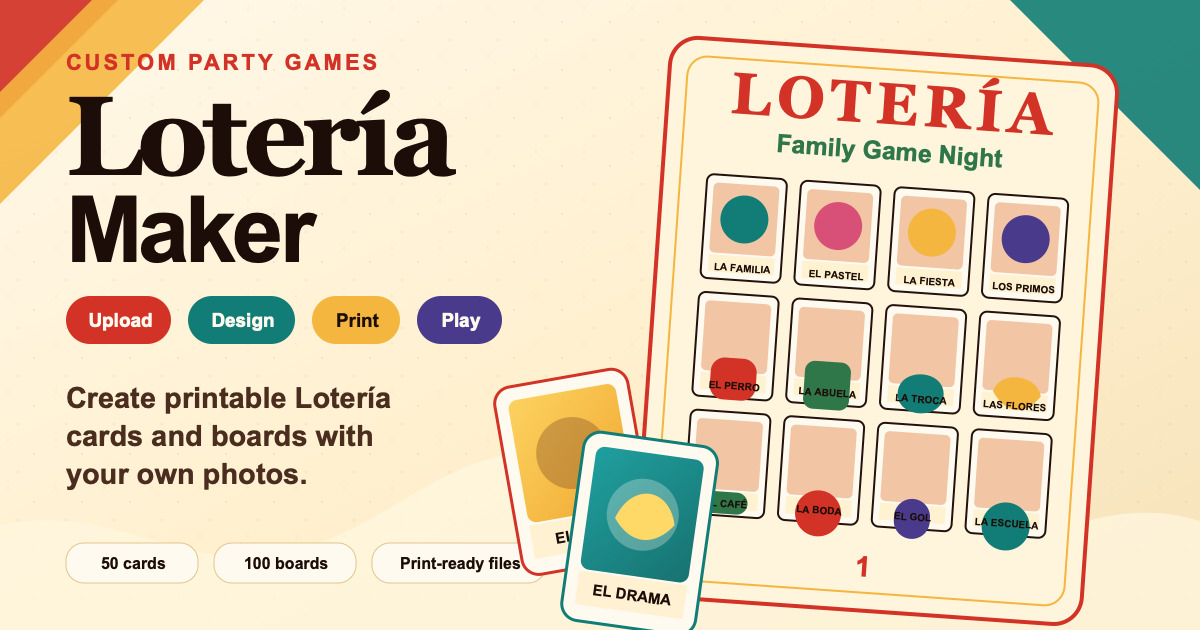
Lotería Maker keeps the creative process simple. You start with a project title, upload photos, name your cards, choose a board design, generate boards, and download the files.
Optional AI glow up
Start with the $14.99$9.99DAILY OFFER DIY Builder. Add AI tokens only if you want to transform a few cards into colorful illustrated Lotería art.
Fast and guided
Bring in portraits, pets, places, products, or favorite memories.
Use family nicknames, party jokes, or polished event titles.
The app mixes the deck into fair, varied 4x4 boards.
Export card PDFs and print ready board images.
Use the digital caller on a phone, tablet, or projector so you can play without printing extra caller cards.
Popular Lotería examples
A ready idea you can personalize with your own photos.
A ready idea you can personalize with your own photos.
A ready idea you can personalize with your own photos.
A ready idea you can personalize with your own photos.
A ready idea you can personalize with your own photos.
A ready idea you can personalize with your own photos.
You can explore the site publicly, but projects and final downloads use an account and access pass.
Yes. You can review cards and board design before using final downloads.
The pass can be applied to one Lotería project for final downloads.
Yes. Saved projects can be reopened from your Projects page.
Yes. Edit names in the Build Cards step.
Yes. Use the print upgrade option when you want Y&L Creations to print for you.