
Custom community games · a design workshop
Your community, your Lotería: make a game from the stories around you.
The mural on the corner. The garden everyone tends. The volunteer with the spare keys. Your community already has the ingredients for a game that feels like home.
Leer esta guía en españolA community Lotería is a custom picture-matching game built around the places, people and everyday work your group chooses to celebrate. Instead of looking for a generic deck to fit the event, you make the deck fit your people.
This is the design guide: collect a small image list, check permission, write clear labels and turn it into matching cards and boards. For seating, calling and timing, use our separate community-night hosting guide.
In this guide
Editorial illustration
From your pictures to your own game
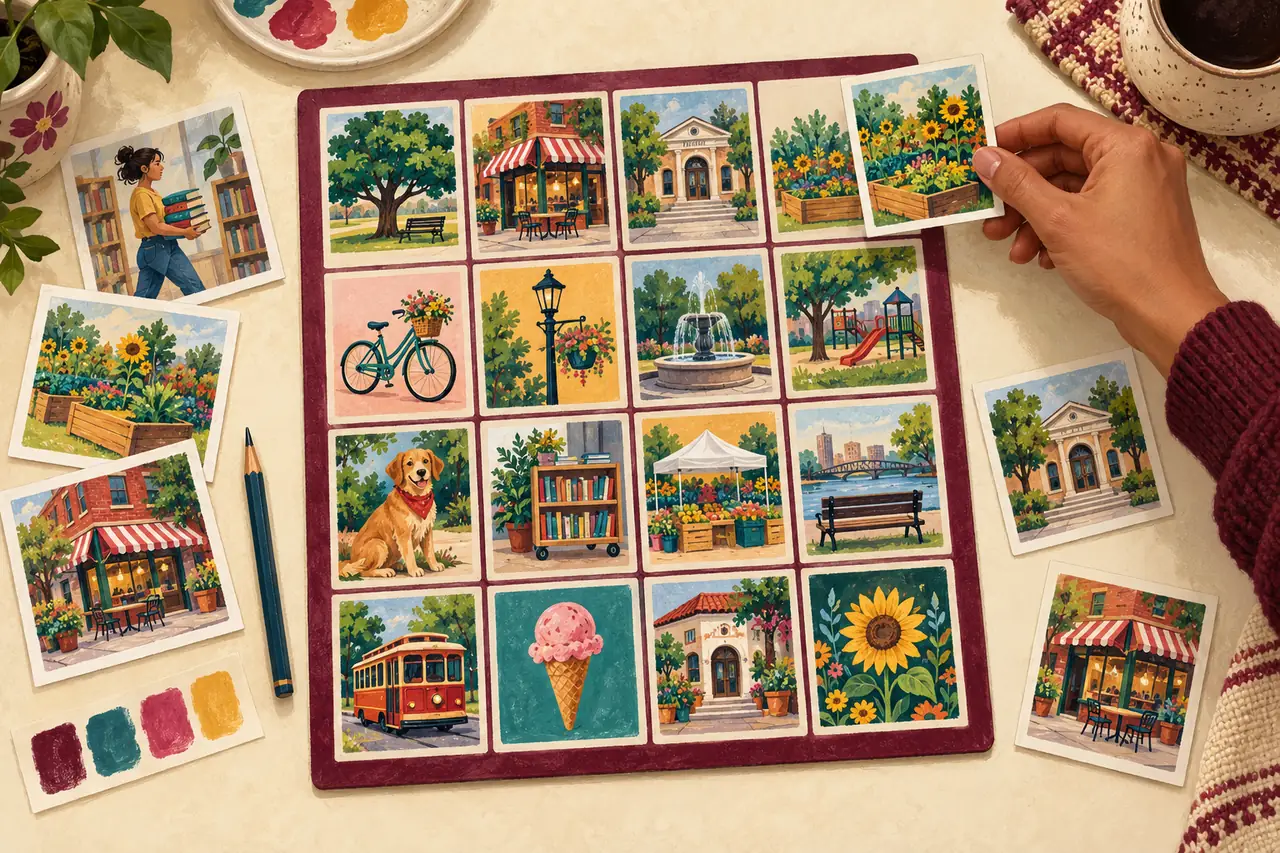
Choose one story the deck will tell
Give the project a useful boundary: “Our library and the people who keep it welcoming” is easier to design than “Everything about our town.” Ask two or three contributors what belongs in that story and what you might be missing. A familiar object can be more meaningful than an elaborate illustration.
Choose one account holder to build the project and collect suggestions outside the editor. A pass or membership is not a multi-user workspace; do not share account credentials. Keep a simple list with the proposed card, image owner, label and review status.
Ask before turning a person or story into a card
Explain where the finished game will be used and who will see it. Get permission for the image and the proposed use; being willing to talk is not permission to publish a portrait or a personal story. Let contributors review their card before you finalize it.
The Library of Congress cultural-documentation resources discuss participant consent and interview planning. For this project, a short, optional conversation is enough. You do not need a recording or a sensitive personal history.
For school projects, follow the school’s image and consent rules. Photograph a tool, a plant or an empty space instead of a person when permission is unclear. Use original or properly licensed artwork; a local mural or business logo is not automatically yours to reproduce.
24 original prompts for your community deck
Use these as starting points. Supply your own permitted images and adjust the words to your community. The English names are suggestions; have a bilingual contributor review the language you actually use.
A 24-card deck works with a 4 × 4 board, which uses 16 images per board. A 5 × 5 layout needs at least 25 cards, so add another distinct card before choosing that layout.
- La Biblioteca / The Library: the reading place your group uses.
- El Jardín / The Garden: one plant or bed people care for.
- El Parque / The Park: a recognizable open space.
- La Cancha / The Court: the neighborhood place to play.
- El Puente / The Bridge: a local crossing, drawn or photographed.
- La Parada / The Bus Stop: a familiar place to meet.
- La Voluntaria / The Volunteer: a consenting helper or a symbol of helping.
- El Equipo / The Team: shared equipment instead of an unapproved group photo.
- La Bienvenida / The Welcome: a sign made for the event.
- La Mesa / The Table: where the group plans or gathers.
- La Llave / The Key: an illustration, not a revealing photo of a real key.
- El Aplauso / The Applause: hands celebrating someone’s work.
- El Taller / The Workshop: materials from a group activity.
- El Libro / The Book: your own drawing of a favorite kind of book.
- La Semilla / The Seed: the beginning of a garden project.
- La Herramienta / The Tool: an object that makes the work possible.
- El Calendario / The Calendar: a simple drawing, without private appointments.
- La Caja / The Box: supplies packed and ready to use.
- La Receta / The Recipe: a dish a contributor chooses to share.
- La Música / The Music: an instrument, not copied album artwork.
- El Juego / The Game: a group’s favorite playtime object.
- La Foto / The Photo: an approved memory or a drawing of a frame.
- El Recuerdo / The Memory: an object linked to an optional story.
- La Comunidad / The Community: an original symbol the group chooses together.
Make every image easy to recognize and call
Choose one main subject per image. Crop close enough to recognize it, but leave the important edges inside the card. Two similar photos of the same garden can confuse players; use distinct subjects or clearly different names.
Keep bilingual labels short. Try “El Jardín / The Garden” instead of a full sentence on the card. Put a longer story on a separate caller sheet. Check spelling, accents and the contributor’s preferred name; the board image and the calling card must refer to the same thing.
Take it through Cards, Board Design and Downloads
Cards: start a free Maker draft, upload the approved images and name each card. Check all 24 rather than just the first few. Save the project and confirm the images have loaded before moving on.
Board Design: choose a 4 × 4 grid for this example, set your title and check colors and text size. Preview the full board. Ask a contributor whether the result feels recognizable, not just whether the layout looks attractive.
Downloads: choose the board quantity your access allows, generate and inspect the set, then save the final version before downloading. Check the calling deck and several different boards. Finalizing is different from saving a draft; review carefully before using a limited final save.
Open the exported files and print one page at the intended size. Check image completeness, label readability and cutting margins. Keep the matching deck and boards together; changing the deck later means reviewing and updating the matching final set.
Choose digital access or a separately priced printed set
A new one-time pass includes one project, up to 50 boards with the Maker logo, 30 days from purchase to edit and three final saves. An active paid membership includes unlimited Studio projects, up to 100 boards per project, unlimited edits and final saves, and logo-free exports. Older passes keep their original benefits. Compare current prices and approved nonprofit options before paying.
Prefer a shipped set? Create and save a free draft, then choose “Order a printed set” in the builder when ready. A digital pass is not required first. Review the 50- or 100-board physical options, shipping and delivery timing. Printing, shipping, optional AI credits and ready-made shop files are separate; a physical order does not automatically include digital-download access.
Copy this design worksheet for your team
Use one row like this for each card: “Card name / image owner / permission and audience / bilingual label / reviewed by / ready to upload”.
- Our deck tells this story: ____________________
- Project owner and permitted audience: ____________________
- 24 images selected; extra card if using a 5 × 5 grid: ____________________
- Contributors’ image and wording approvals recorded: ____________________
- Labels, crops and matching boards reviewed: ____________________
- Digital access or printed set / quantity / deadline: ____________________
- Test print checked and final files packed together: ____________________
Sources and references
- Library of Congress: Cultural Documentation Guidelines Further reading on participant consent and responsible documentation.