
Community workshops · resource-navigation practice
A Lotería workshop that makes community resources easier to explore.
A calendar, a contact card, a question you can practice saying: small, familiar steps can make a workshop feel more approachable than another long presentation.
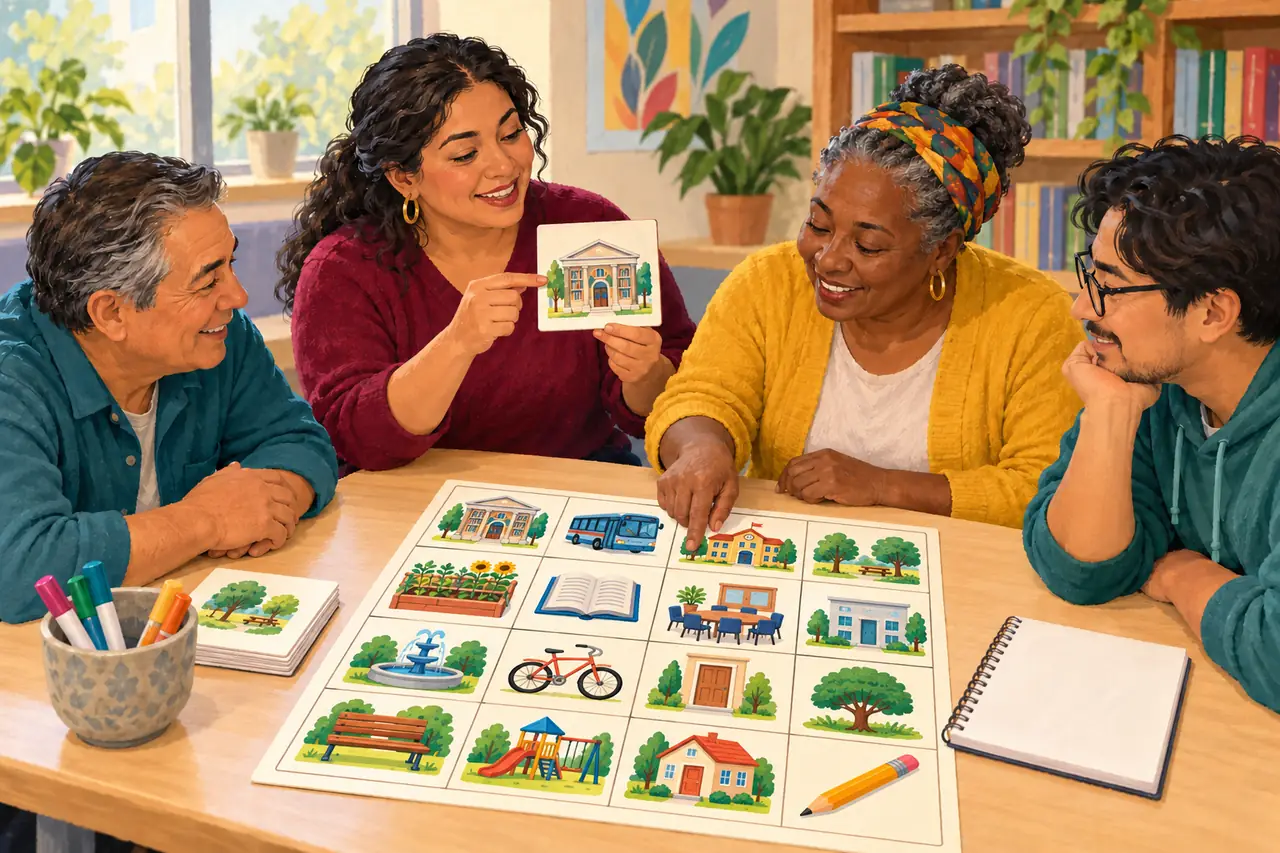
Leer esta guía en españolA picture-matching Lotería game can help a community organization introduce the words people meet when looking for services: appointment, interpreter, schedule, referral. The pictures support a conversation about where to ask a question, rather than asking participants to explain their own circumstances.
This guide is for facilitators planning a general learning activity with immigrant-serving or other community groups. It does not teach immigration law, determine eligibility for a service or replace an individual consultation. The organization supplies and reviews the actual local resource information.
In this guide
Editorial illustration
A format for your own pictures
Decide what participants will practice
Choose one modest goal: “Recognize a resource word and practice asking where to find current information.” People arrive with different experiences and language preferences. Do not assume a newcomer needs every service on your list, or that someone who speaks English understands every form.
Make participation optional. A person can point to a picture, work with a partner or observe. Start by saying that no one needs to share immigration status, an address, a case number or a personal story. Use fictional examples throughout the activity.
18 prompts for an everyday resource deck
Use original illustrations or permitted object photos and have a bilingual facilitator review the words. These prompts introduce vocabulary; they do not claim that a service is available or that someone qualifies. With 18 distinct cards, choose a 4 × 4 board. A 5 × 5 grid requires at least 25.
- La Cita / The Appointment: a fictional appointment on a calendar.
- El Horario / The Schedule: sample opening hours marked Practice.
- El Calendario / The Calendar: a blank month, without a real deadline.
- La Pregunta / The Question: a speech bubble for asking.
- El Intérprete / The Interpreter: a neutral language-support symbol.
- La Traducción / The Translation: two reviewed versions of a short label.
- El Contacto / The Contact: a blank contact card.
- El Teléfono / The Phone: a device with no personal messages.
- El Sitio Web / The Website: an invented, non-interactive page illustration.
- La Fuente / The Source: a reference note and review date.
- La Biblioteca / The Library: books and a reading space.
- El Centro Comunitario / The Community Center: a generic building.
- El Transporte / Transportation: an original bus or route drawing.
- El Mapa / The Map: an imaginary route, not a participant’s home.
- La Lista / The Checklist: sample preparation steps.
- La Copia / The Copy: blank example pages, not someone’s documents.
- La Referencia / The Referral: a handoff arrow between two resources.
- La Ayuda Legal / Legal Help: a question-and-reference symbol, not a promised result.
Put current details on a separate resource sheet
Keep the game cards simple and reusable. The facilitator’s separate sheet can hold the organization’s verified resource names, public contact information, languages offered, source links and last-checked dates. Confirm any hours, costs or appointment arrangements directly with the relevant provider before the workshop.
Do not turn a resource listing into a promise of admission, free service, confidentiality or legal status protection. If information is uncertain, write “Check with the provider” and identify who will follow up. Avoid putting time-sensitive details into images that will be hard to update.
For immigration legal questions, the FTC’s guidance explains how to look for authorized help, and the Department of Justice provides information about legal representation. Link those references instead of asking a volunteer to decide someone’s legal options. Maker discount approval is a pricing decision, not legal accreditation.
Use a fictional person, not someone’s private situation
Try this invented scenario: “Alex wants to know whether a community class has an evening session. Which card helps Alex ask the first question?” Someone might choose El Horario, El Contacto or El Teléfono. There can be more than one useful answer.
A second scenario could be: “Sam has a general question and would like language support. What could Sam ask the organization?” Practice “Is an interpreter available?” without promising that one will be available, free or appropriate for every situation.
Do not ask people to bring real notices, documents or screenshots into the game. If an individual question comes up, pause and offer the organization’s separate referral process. Do not invite the room to troubleshoot a case or photograph someone’s paperwork.
A 50-minute workshop with time to listen
Use 5 minutes for the purpose and privacy boundaries, 10 to introduce the pictures, 15 for Lotería, 15 for optional fictional scenarios and 5 for a closing recap. A co-facilitator can help with language and pace without putting one participant in charge of translating for everyone.
Explain the winning pattern, draw from the matching calling deck and show each image as you read its reviewed names. Let participants request a repeat or simply follow the picture. Keep the pace relaxed; this is a chance to practice, not a test of fluency.
At the end, ask a non-personal question: “Which phrase would be useful to practice again?” Offer the reviewed public resource sheet without requiring an account, purchase or disclosure to receive the workshop information. Creating the game is the organizer’s task; participants do not need Maker accounts.
Build privacy into the materials
Choose one account holder to prepare the game. Do not upload participant lists, identity documents, case numbers, addresses, immigration status or private messages to Maker. An original drawing of a folder works without a real file inside it.
Keep any organization records in its own approved systems, separate from the Lotería project. Follow the organization’s policies for attendance, photographs and referrals. A workshop can be welcoming without promising that a group setting is confidential.
Make a draft, then choose the format
Start free in Maker: upload your own or licensed images in Cards, review the labels and move to Board Design. In Downloads, generate the quantity your access allows, inspect the set and save the final version before downloading. Test one printed page before preparing the whole batch.
A new pass covers one project, up to 50 boards with the Maker logo, 30 days from purchase to edit and three final saves. An active paid membership includes unlimited Studio projects, up to 100 boards per project, unlimited edits and final saves, and logo-free exports. Older passes retain their benefits. Check approved educational options before buying.
You can also order a printed set from a saved free draft without buying a digital pass first. Review the 50- or 100-board physical options, shipping and delivery timing. Printing, shipping, optional AI credits and ready-made shop files are separate; a physical order does not automatically unlock digital downloads.
Copy this workshop planning checklist
Use this for the organizing team, not as a participant intake form. Refresh the resource sheet when details change; the game can keep its general vocabulary.
- Learning goal / optional ways to participate: ____________________
- Facilitators / languages / reviewed card labels: ____________________
- Resource sheet owner / official sources / review date: ____________________
- Fictional scenarios and practice labels checked: ____________________
- No participant identifiers or documents in the Maker project: ____________________
- Separate process for individual questions: ____________________
- Board count / access choice / print test: ____________________
- Public take-home information prepared by the organization: ____________________
Sources and references
- Federal Trade Commission: How to Avoid Immigration Scams and Get Real Help Further reading on checking who is authorized to provide immigration legal help.
- U.S. Department of Justice: Learn About Legal Representation Official information about representation and related resources. The workshop itself provides no individual case assessment.